How to Reverse Engineer Prompts from AI Images
Saw a viral AI image? Learn how to reverse engineer prompts. Discover how to find the prompt of an AI image using advanced image-to-prompt AI tools.
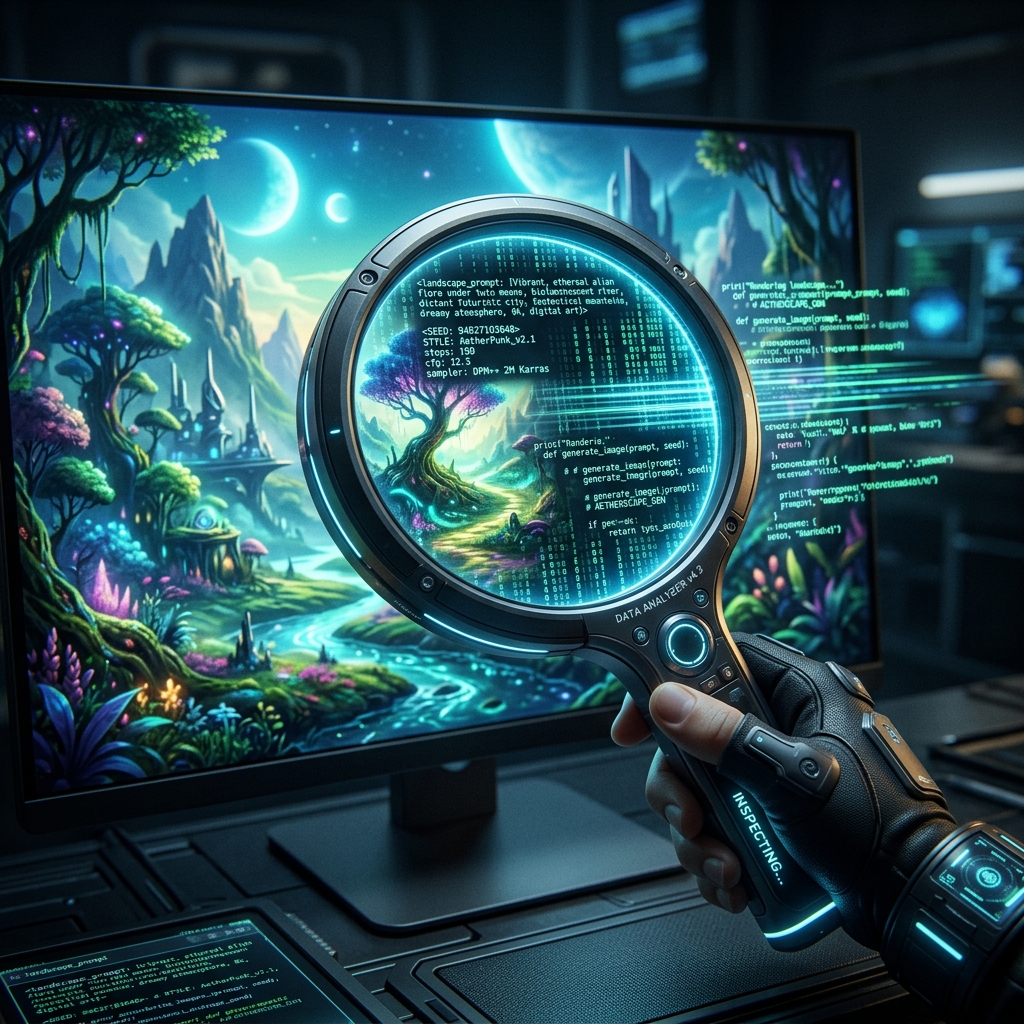
The Art of Deconstruction We've all been there. You're scrolling X (Twitter) or Reddit, and you see an AI-generated image so stunning, so perfectly textured, that you desperately want to know how it was made.
Learning to reverse engineer prompts is arguably the most valuable skill in generative AI. It allows you to study the masters, deconstruct visual styles, and adapt them into your own personal workflow.
How to Find the Prompt of an AI Image (The Easy Way) If you're lucky, the original creator left the metadata intact. Many people ask **how to find the prompt of an AI image** without realizing the answer is often embedded in the file itself.
If the image was generated via Stable Diffusion (ComfyUI or Automatic1111) and uploaded directly to a site that doesn't strip EXIF data, you can simply drag and drop the image into a metadata viewer (or back into ComfyUI). The exact prompt, negative prompt, seed, and sampler settings will pop up instantly.
Using Image to Prompt AI Tools (The Hard Way) However, platforms like X, Instagram, and Discord strip all metadata to save space. When the data is gone, you have to recreate it.
This is where image to prompt AI tools come in. At VideoPrompt SaaS, we built a specialized vision engine specifically for this. When you upload an image, the AI acts as an art critic and a camera technician simultaneously. It doesn't just say "a cyberpunk city." It says "a neon-lit cyberpunk alleyway, heavy atmospheric fog, rain-slicked pavement, cyan and magenta split-toning, shot on a 24mm wide-angle lens, low vantage point."
Reverse Engineering Midjourney Images specifically **Reverse engineering Midjourney images** requires an extra step: syntax formatting. Midjourney relies heavily on parameters to lock in a style.
When our tool analyzes an image that looks like it came from Midjourney, it formats the output to match. It will suggest the base text, but also append necessary parameters like --ar 16:9 (aspect ratio), --stylize 250 (for high artistic flair), and --style raw (for photographic realism). By using these exact parameters, you dramatically increase your chances of cloning the original aesthetic.