How to Write Runway Gen-3 Prompts for AI Video Generation
Stop getting morphing artifacts. Learn how to master Runway Gen-3 prompts for flawless AI video, including camera movement prompts and text-to-video tips.
Welcome to the Era of Gen-3 If you used earlier AI video models, you know the pain. People morphing into chairs. Arms melting. Physics taking a vacation.
Runway Gen-3 Alpha changed the game, offering near-photorealistic temporal consistency. But there's a catch: it is incredibly sensitive to text. Crafting precise Runway Gen-3 prompts is the only way to avoid the dreaded "AI morph."
A Quick Runway Gen-3 Alpha Tutorial Unlike image generators, video generators need to understand *time* and *action*. A static prompt like "a man sitting" will result in a 10-second video of a man sitting absolutely still like a statue.
In this Runway Gen-3 Alpha tutorial, the golden rule is: Always describe continuous action.
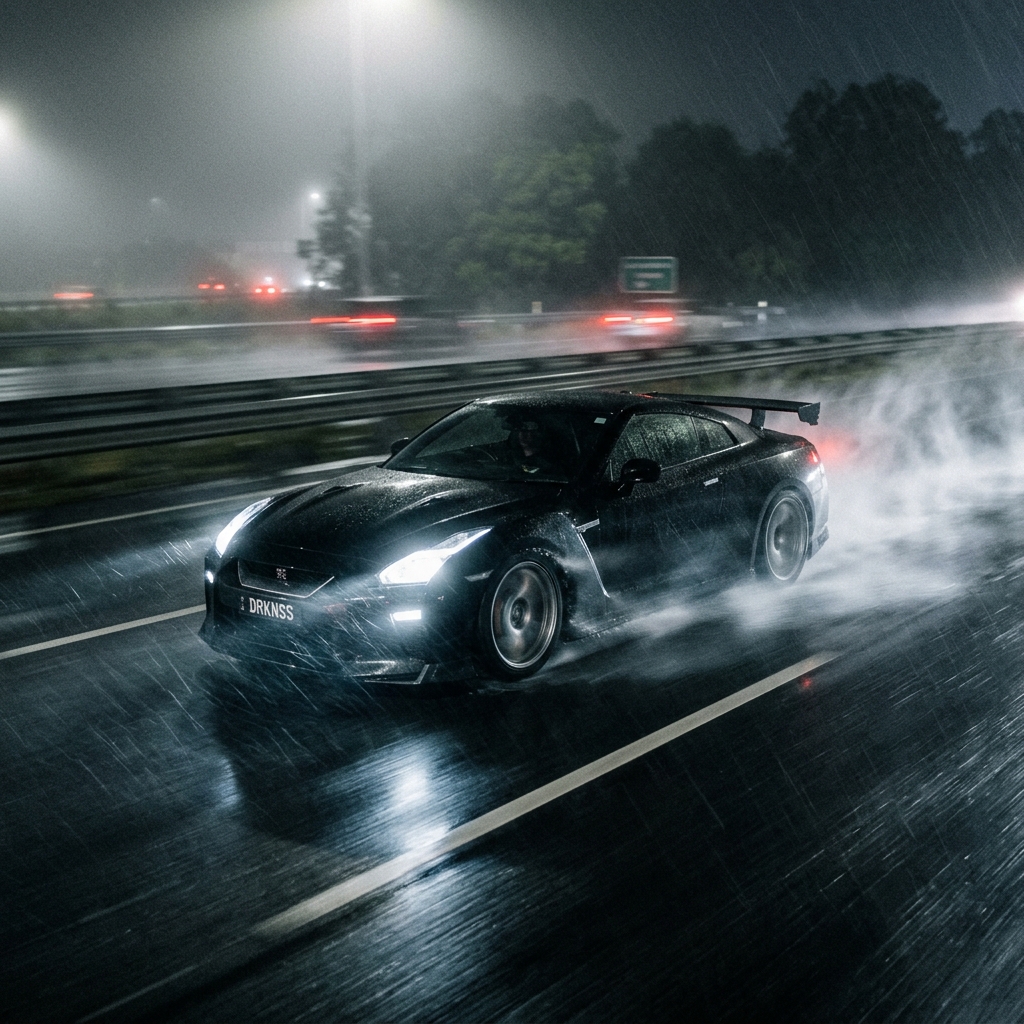
Instead of: A sports car on a wet road.
Use: A black sports car speeding aggressively down a rain-slicked highway, tires kicking up water, headlights cutting through the heavy fog, continuous driving motion.
Directing Time: AI Video Text to Video Prompts Because Gen-3 is a foundational video model, it understands cinematic time manipulation. Your **AI video text to video prompts** should explicitly dictate the speed of the action.
- Need drama? Add
Extreme slow motion, 1000fps. - Need a transition scene? Add
Hyper-lapse speed, fast motion. - Want a gritty feel? Add
Handheld camera shake, documentary style, erratic movement.
Mastering Runway Camera Movement Prompts The biggest upgrade in Gen-3 is its spatial awareness. You can fly the virtual camera anywhere using specific **Runway camera movement prompts**.
Here are some powerful camera directions to append to your prompts:
- The FPV Drone: FPV drone flying rapidly through a dense neon forest, dodging glowing trees.
- The Dolly Zoom: Dolly zoom out on a terrified astronaut, background warping inward.
- The Tracking Shot: Low angle tracking shot following behind a running cheetah, matching its speed.
If you aren't sure how a real-world shot was achieved, use the VideoPrompt SaaS engine. Upload a cool movie clip, and our Gemini integration will spit out the exact camera movement prompt you need to replicate it in Runway.