What is an AI Comic Video? A Beginner's Guide
Discover the emerging trend of AI-generated motion comics. Learn how creators are using AI to turn simple stories into viral video content without drawing a single line.
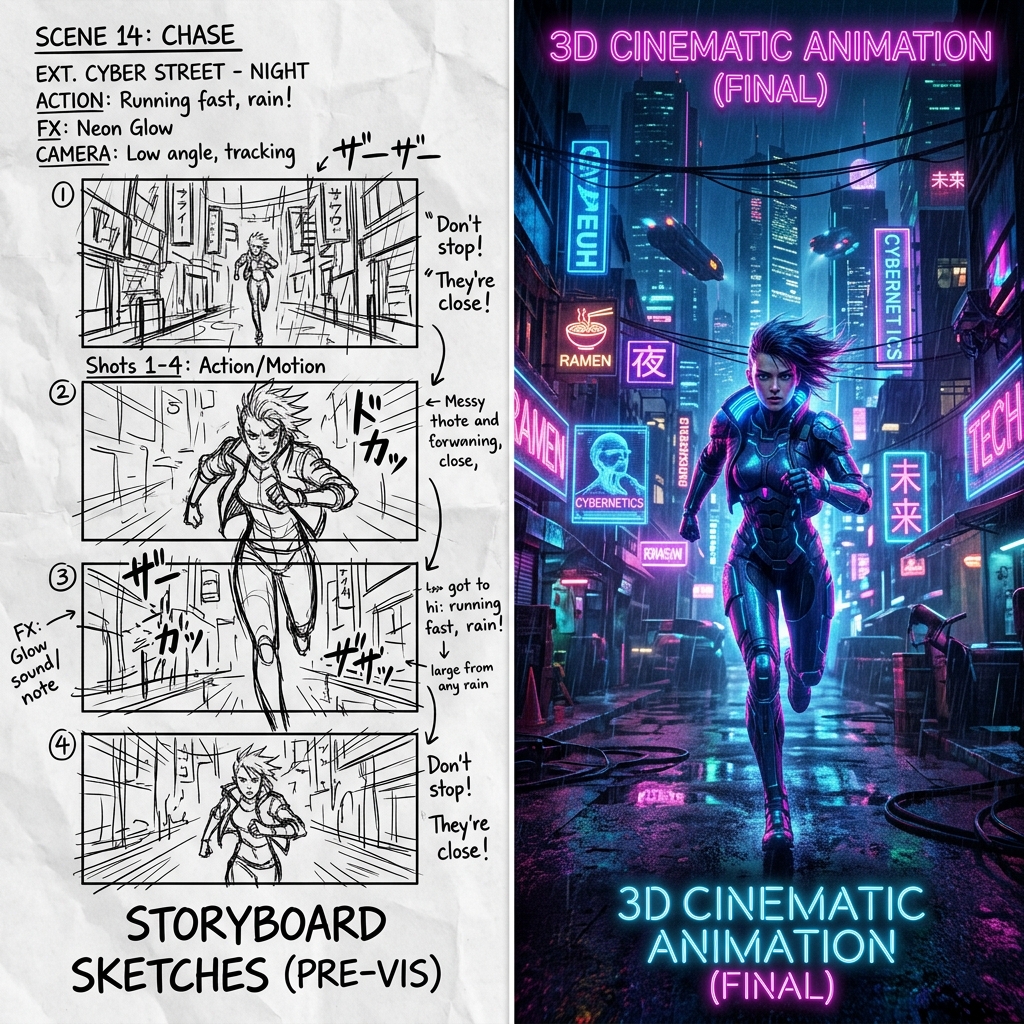
The Rise of Motion Comics If you've spent any time on TikTok or YouTube Shorts lately, you've probably seen them. Dark, gritty fantasy tales, cyberpunk mysteries, or even wholesome romance stories playing out through slightly animated, hyper-detailed comic panels. This is the AI comic video.
Basically, it's a hybrid format. It takes the storytelling structure of traditional manga or webtoons and supercharges it with AI voiceovers, sound effects, and subtle video motion. The craziest part? The creators behind these viral channels often don't know how to draw at all.
Why is Everyone Making Them? Here's the reality of the current creator economy: attention spans are short, but people still crave good stories. Traditional animation takes months and costs thousands of dollars. AI comics bypass all of that.
- Zero Drawing Skills Needed: You are the director, not the illustrator.
- High Engagement: The mix of striking visuals and fast-paced audio keeps viewers hooked.
- Algorithm Friendly: Platforms reward consistent uploads, and AI workflows allow you to pump out a new episode every couple of days.
How Do They Actually Do It? It looks like magic, but the workflow is surprisingly straightforward once you get the hang of it. Here is the general blueprint that most successful creators use:
1. The Script: Everything starts in ChatGPT or Claude. You write a short script broken down into visual scenes. 2. The Visuals: You take those scene descriptions and feed them into Midjourney or Niji 6. This is where you need good prompts to keep your characters looking consistent. 3. The Voice: Tools like ElevenLabs provide cinematic voice acting. You literally just paste your script and pick a voice actor. 4. The Motion: You drop your static images into CapCut. Add some slow zoom effects (Ken Burns effect), maybe use Runway or Haiper for subtle background movement, slap on some epic music, and you're done.
Getting started doesn't require a massive budget, just a good imagination and the right prompt strategy.